

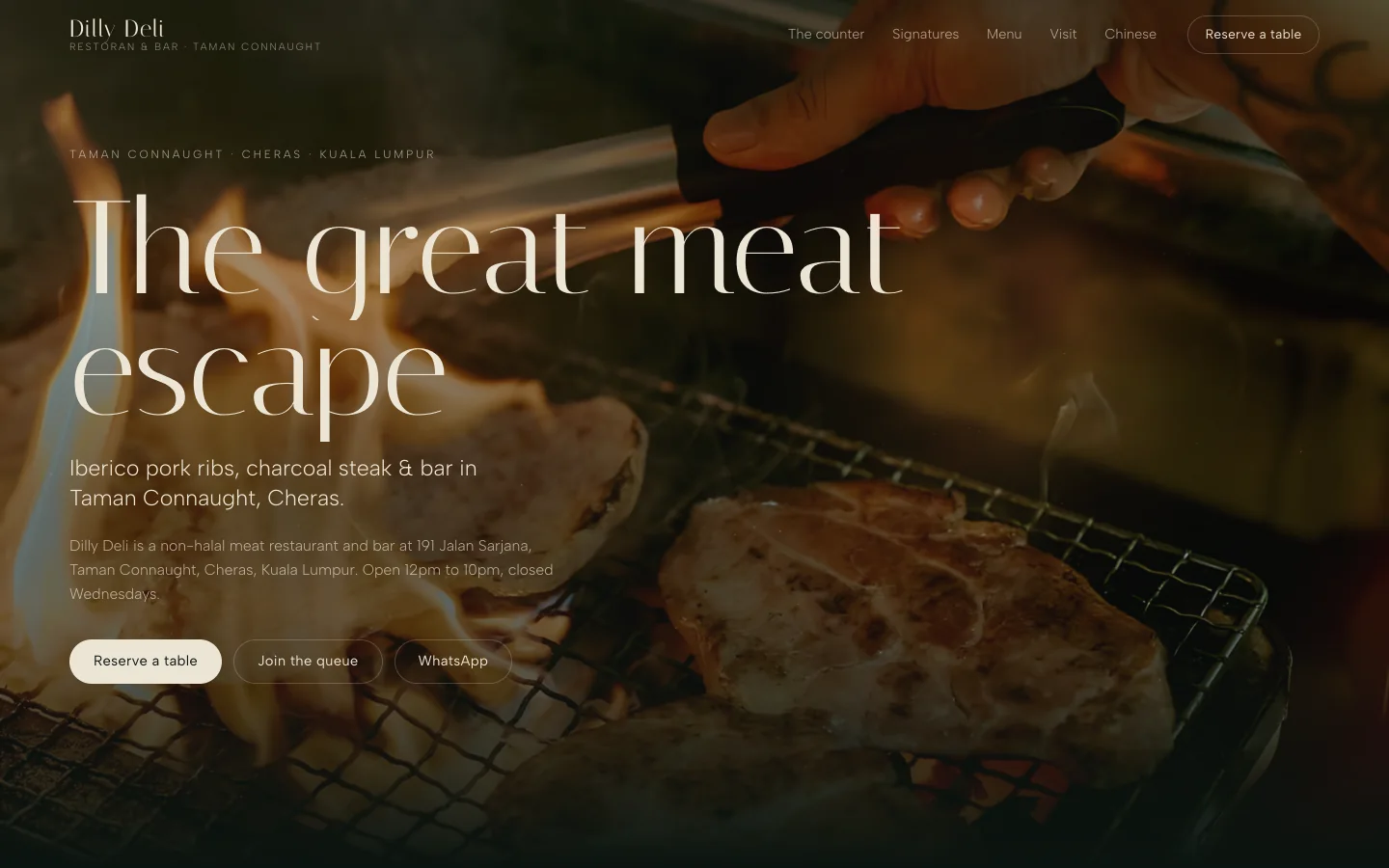
Dilly Deli
The operator console behind a restaurant's shop: orders, products, stock, customers and reports, with card payments, refunds and order emails. Built and not yet switched on.
System development from CodaMinds is building the internal system your staff open every working day: one console for stock, orders, approvals, staff roles and reports, in place of spreadsheets, paper forms and admin done in chat groups. It suits SMEs with a few staff or several branches, and each person sees only what their job needs.
Steven Lim started the studio in Kuala Lumpur in 2021 and has built apps and websites since 2016. We built the console behind a restaurant's shop and run our own venue dashboard for restaurants, so the screens a branch manager and an owner open each morning are work we know first hand. The person you message is the person who builds your system, in English, 中文 or Bahasa Melayu. We meet clients in person across the Klang Valley, and work with businesses in the rest of Malaysia, Singapore and further abroad over WhatsApp and a shared draft link.
Spreadsheets are a good start. Most businesses outgrow them quietly, and the signs look the same everywhere.
None of these is a disaster on its own. Together they cost staff time every day and hide mistakes until a customer finds them. An internal system fixes the cause: each record is entered once, in one place, by the person whose job it is.
The parts below are the ones SMEs ask for most. Your system holds the ones your work needs and nothing more.
A cashier, a branch manager, an accountant and the owner each sign in and see their own screens. The cashier records sales. The manager adjusts stock for one branch. The owner sees every branch. Each change is logged with the name and time, so a wrong figure can be traced to where it came in instead of argued about.
Goods in, goods out, transfers between branches, and the level at which to reorder. Orders from the counter, the website or a phone call land in the same list. Supplier records hold what you buy, from whom and at what price, so the next purchase starts from the last one.
Purchase requests, refunds, discounts above a limit, write-offs and price changes go to the right person for a yes or a no. The request, the decision and the reason stay on the record. Nobody has to scroll back through a chat group to find out what was agreed.
The daily close for each branch, sales by item, stock that is running low, and refunds by reason. Each report answers one question on one screen, and exports cleanly for your accountant. Where e-invoices go to LHDN MyInvois, the system can prepare them from the same records; see system integration.
Each branch runs its own day, with its own stock, staff and opening hours. Head office sees all of them side by side and moves stock or staff between them. A new branch is added as a setting, not a new copy of the spreadsheet.
Your existing records are cleaned and imported, so day one starts with your real customers, products and stock. Where it helps, the old sheet and the new system run side by side for a while so staff can check the numbers match. Then the sheet is retired, and the system becomes the only place the record lives.
Each of these is a working back office, used by staff rather than customers.
The operator console behind a restaurant's shop: orders, products, stock, customers and reports, with card payments, refunds and order emails. Built and not yet switched on.
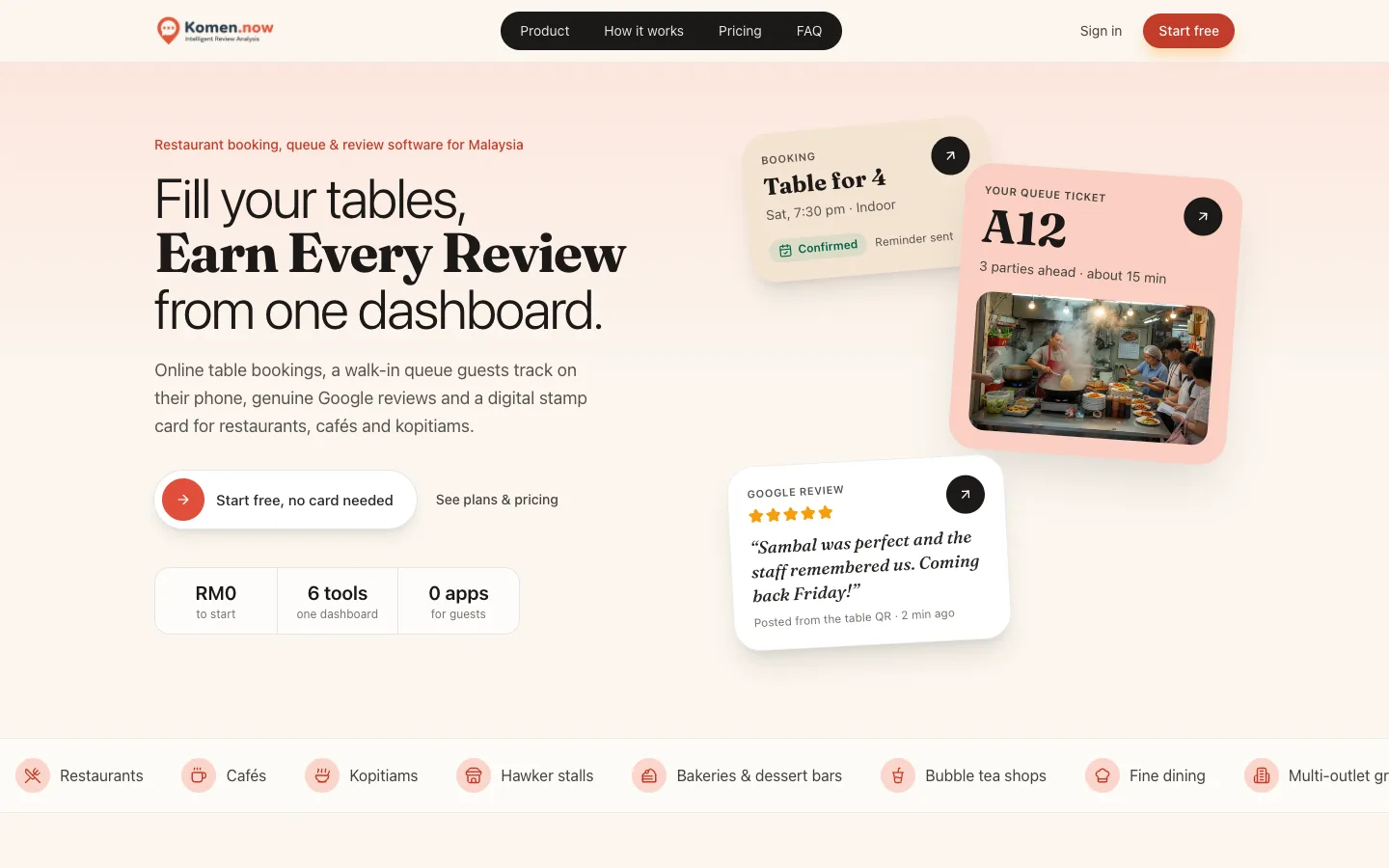
A venue dashboard for restaurants with staff roles, where the team runs bookings, the walk-in queue, reviews and the stamp card in one place.

The admin tools behind a live app: checking new hosts, handling refunds and paying hosts out. We use them every day.
Brief. You walk us through a normal day: who records what, where it is kept, and where it goes wrong. We reply with questions and a written scope naming each role, screen and report.
Fixed quote. One price for that scope, agreed before work starts. Anything outside it is quoted first.
Draft on your phone. Your staff try the main screens with real examples, such as today's stock count or last week's refunds. We adjust until the screens match how they work.
Launch. We import your records, start with the branch or team you choose, and stay close while staff switch over. The system runs in accounts in your name.
Care after launch. A new branch, a new report or a changed rule is a message away, each quoted before it starts. See website maintenance. For customer-facing systems such as bookings and marketplaces, see custom systems.
Yes. We read the sheets you use today, clean the records and import them, so the system starts with your real data. Where it helps, the sheet and the system run side by side until staff trust the numbers. After that, each record is entered once, in one place, and the sheet is retired.
Yes. Each person signs in with their own role, such as cashier, branch manager, accountant or owner, and sees only the screens and branches that role allows. Every change is logged with the name and time, and you can change or remove a person's access the day they leave.
Yes. Each branch keeps its own stock, staff and day, and head office sees every branch side by side. Stock and staff can move between branches with a record of each transfer. Adding a branch is a setting, not a rebuild.
That is what the draft is for. Your staff try the main screens on their own phones with real examples before anything is built in full, and we change what confuses them. The screens can run in English, 中文 or Bahasa Melayu, and we walk the team through the system at launch.
Yes. The system runs in the browser, so staff can use it on a phone, a tablet at the counter or a computer in the office, with nothing to install. Screens are laid out for the device each role actually uses, and every one is tested on real phones before launch.
They stay yours. The system runs on hosting in your business's name, the records sit in your accounts, and every source file is handed over at launch. You can export your data at any time, and another team can carry the system on from what you hold.
Write down the spreadsheet or paper form your team depends on most, and where it goes wrong. Tap the button to message us on WhatsApp, and we reply with a written scope and a fixed quote for the system that replaces it.
WhatsApp us