

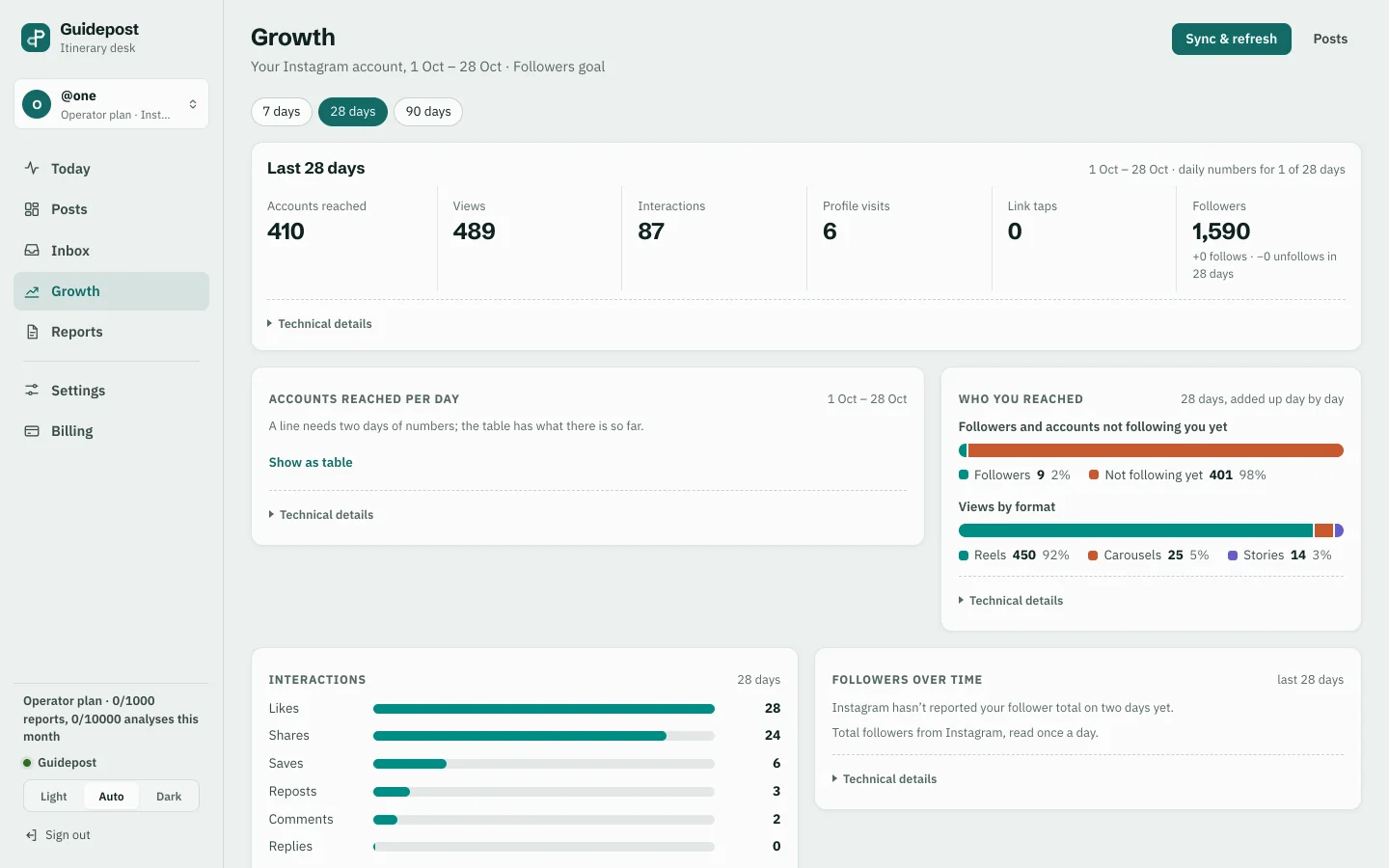
Guidepost
A comment-to-DM web app for Instagram creators. It sends the guide by DM with nobody at the keyboard, and claims each comment before sending, so nobody gets a guide twice.
AI automation from CodaMinds is software that takes a repeated task off your team: a chatbot on your website, WhatsApp or Instagram, an agent that handles bookings, follow-ups or reports in the tools you already use, or a reader for invoices and forms. We start with one workflow, and a person reviews anything before it reaches a customer.
Steven Lim started the studio in Kuala Lumpur in 2021 and has built apps and websites since 2016. We run live products of our own that answer comments, send reminders and move payments with nobody at the keyboard, so we know where automation helps and where it needs a person watching. The person you message is the person who builds your automation, in English, 中文 or Bahasa Melayu. We meet clients in person across the Klang Valley, and work with businesses in the rest of Malaysia, Singapore and further abroad over WhatsApp and a shared draft link.
Most owners who ask us for a chatbot have a slower job behind the question. Someone copies orders from WhatsApp into a spreadsheet. Someone chases the same reminders every evening. Someone retypes supplier invoices for the accountant. Those jobs often take more of the day than answering questions does, and they are safer to automate, because the input looks the same every time.
So the work starts with a list of the jobs your team repeats, and we pick one. Usually it is the job that is frequent, dull and easy to check. We automate that one workflow, put it in front of your team, and measure it against how the job ran before: how long it took, how often it went wrong, and what staff did with the time back. Then we decide together whether to extend it, fix it or stop.
A person stays in the loop. Anything that goes to a customer, such as a message, a quote or a refund, waits for someone on your team to approve it until you have seen enough to trust it. Some steps never lose that check. The automation drafts, sorts and fills in. Your team decides.
When questions really are the bottleneck, an assistant answers the ones that repeat: opening hours, the prices you publish, how to book, where to park, what a treatment involves. It answers from what you have approved, in the language the customer wrote in, and hands the chat to a person when the question needs one or the customer asks. On WhatsApp and Instagram it works through each channel's own business tools, so your number and your account stay yours. For the industry versions, see restaurant websites and clinic websites.
An agent does a task from start to finish instead of answering a question. It reads a booking request, checks the calendar, drafts the confirmation and queues it for approval. Or it pulls the day's orders, writes the evening summary and sends it to the owner. Agents work inside the systems you already pay for, through the connections those systems offer, so your team does not learn a new screen. Where a step touches money or a customer, the agent prepares it and a person approves it.
Plenty of automation needs no AI at all. A new order in the shop becomes a row in the stock spreadsheet. A paid invoice marks the booking as confirmed. A form on the website lands with the right person. We connect the tools you already use so each record is entered once. Where a fixed rule does the job, we use a fixed rule, because it is cheaper to run and easier to check. When the work needs a console of its own, see custom systems, and for connections to payments and e-Invoicing, see system integration.
Supplier invoices, delivery orders, claim receipts and sign-up forms arrive as photos and PDFs. A reader pulls out the fields your team retypes today, such as the supplier, the date, the items and the totals, and puts them where they belong. Any field it is unsure of is flagged for a person to check, and the original stays attached to the record, so anyone can see where a number came from.
Your price lists, policies, menus, treatment notes and staff handbook already hold the answers your team gives every day. An assistant set up to read only those documents can answer staff or customers with the source shown beside each answer. When the documents do not cover a question, it says so and passes it to a person instead of guessing. When a document changes, the answers change with it.
For an SME that is not sure where to start, we begin with a review. We sit with the people who do the work, list the jobs they repeat, and look at where the data lives and how tidy it is. You get a short written list: which jobs suit automation, which do not yet, and which one to pilot first. The pilot is one workflow, built small and run by your own team on real work, with a fixed quote. If it does not earn its place, we say so, and you stop there.
None of these is a chatbot. Each one does a job by itself that a person used to do, which is where most automation starts.
A comment-to-DM web app for Instagram creators. It sends the guide by DM with nobody at the keyboard, and claims each comment before sending, so nobody gets a guide twice.
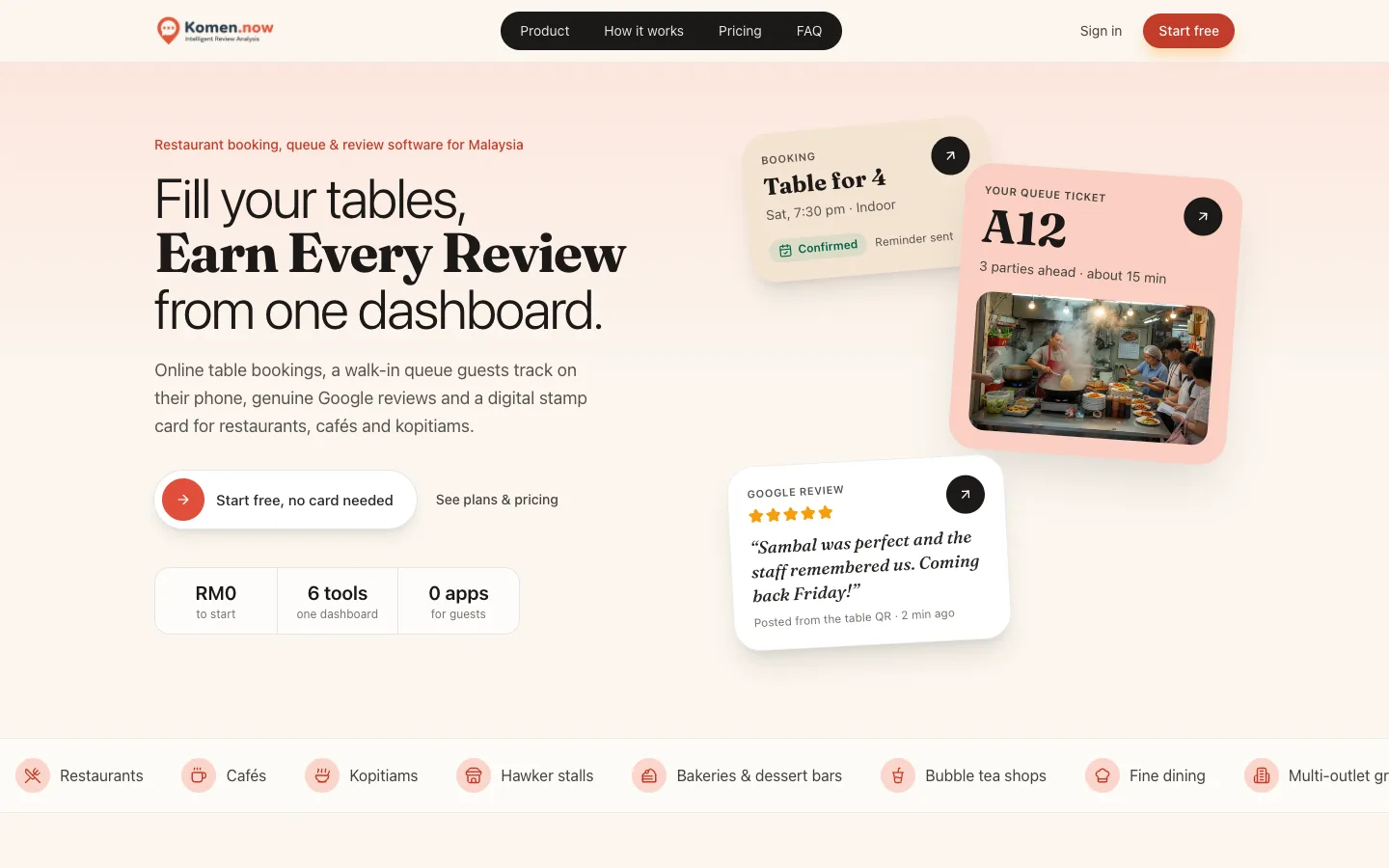
Bookings with confirmations and reminders that go out on their own, and a walk-in queue guests follow on their phone, in one dashboard for restaurants.

Chat, bookings and payments that run every day, with the background jobs that send reminders and notifications. We operate it ourselves.
Brief. You tell us the job your team repeats and where it goes wrong. We reply with questions and a written scope for one workflow.
Fixed quote. One price for that workflow, agreed before work starts. Anything outside it is quoted first.
Draft on your phone. You try the automation with your own examples: real questions, real invoices, real bookings. We adjust it until the results match what your team would have done.
Launch. It goes live with a person approving what reaches customers, and we measure it against how the job ran before.
Care after launch. New questions, changed prices and the next workflow are a message away, each quoted before it starts. See website maintenance.
Often it is not. Many small businesses lose more time to the jobs behind the counter, such as copying orders, chasing reminders and retyping invoices, than to answering questions. We list the jobs your team repeats and start with the one that is frequent, dull and easy to check. If that job is answering the same questions, a chatbot comes first.
Not until you decide it should. At launch, anything that reaches a customer waits for a person on your team to approve it. Once you have seen enough to trust a step, you can let it run, and steps such as refunds can keep the check for good. Every message sent is logged, so you can see what went out and why.
Yes. The assistant works through the business tools WhatsApp and Instagram provide, on your number and your account. It answers the questions it is allowed to answer, in the customer's language, and hands the chat to a person when the question needs one or the customer asks for a human. Your team sees every conversation.
It stays in accounts in your name. Before anything is connected, we tell you in writing which services will read your data and what they keep. The documents an assistant answers from stay in your own storage, and only the people and steps that need a record can see it. When the work ends, you keep everything. There is no lock-in.
Yes. An assistant replies in the language the customer writes in, and a document reader can handle forms and invoices in English, 中文 and Bahasa Melayu. We test each language with your real examples before launch, because a reply that is right in English can still read badly in 中文, and you approve the tone in each.
It depends on the workflow: how many steps it has, which tools it connects to, how much it reads, and whether customers see the result. Running costs depend on how often it runs. We price one workflow at a time, with a fixed quote for the build and a plain estimate of the running cost, both before anything starts.
Write down one job your team repeats every day and where it goes wrong. Tap the button to message us on WhatsApp, and we reply with questions and a fixed quote for automating that one workflow.
WhatsApp us